Detects Logs
List of detections marked as important using Ocean Screenshare Tool
Ocean has several detection capabilities, including direct, generic, and specific detections. In this section, we will go step by step through the generic and specific detections, as it is practically impossible to describe all our direct detections.
Direct
Direct cheat detections using residues or other detection methods (e.g., Skript Loader).
Generic
Detections of highly suspicious executables; while they are not 100% certain detections (unless otherwise specified by this documentation), they indicate a strong likelihood of cheating.
Specific
Detections of tampering or modification methods used to gain illegal advantages, cheat dependencies, etc.
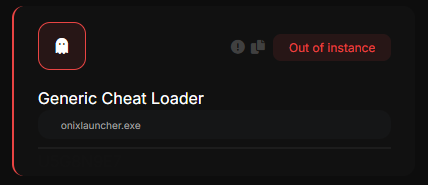
Generic Cheat Loader
Indicates VERY LIKELY files (99%) to be cheats, the nature of this check does not allow us to separate game detections, this means that it can detect cheats from other games or applications that are legit. It is HIGHLY RECOMMENDED that the executable be checked manually.
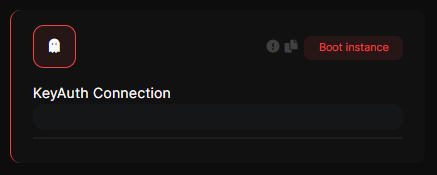
Keyauth Connection
It indicates that there was a direct connection (meaning that an executable made a connection and it is not a browser log) to the servers of https://keyauth.cc (an authentication software commonly used for cheats/spoofers), this does not mean that the user is using hacks, but it is a CLEAR indication of this.
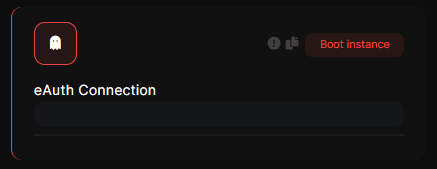
eAuth Connection
It indicates that there was a direct connection (meaning that an executable made a connection and it is not a browser log) to the servers of https://eauth.us.to (an authentication software commonly used for cheats/spoofers), this does not mean that the user is using hacks, but it is a CLEAR indication of this.
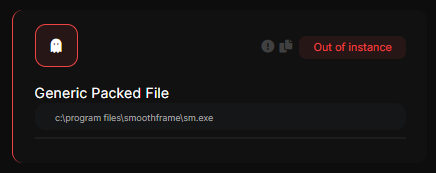
Generic Packed File
Indicates that there was an execution of an unsigned file that is protected by protection software such as VMProtect, Themida, etc, which are commonly used to protect cheats. This does not mean that the user is using cheats, but it is a CLEAR indication.
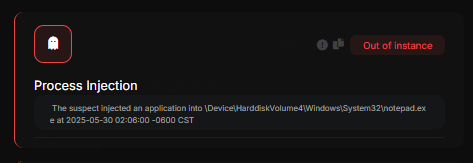
Process Injection
Indicates an injection (preferably of DLL cheats) into a process, signifying a secure alert.
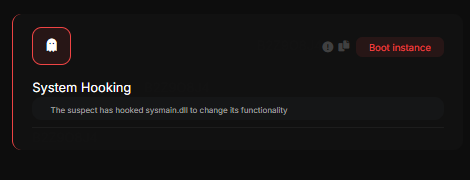
System Hooking
Indicates that the suspect hooked a system process/service, clearly indicating a bypass attempt
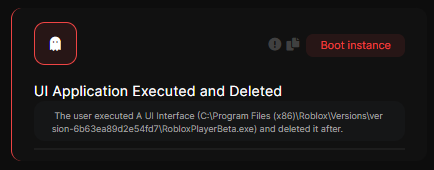
UI Application Executed and Deleted
Indicates that a program displayed a GUI and was subsequently deleted.
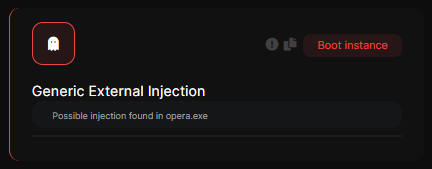
Generic External Injection
Indicates that a process not intended to display a GUI did so. May false, meaning that a manual review is required.
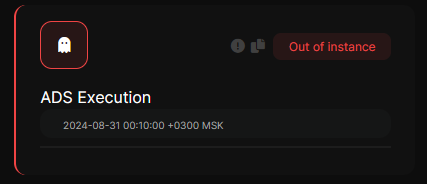
ADS Execution
The suspect executed a file using the Alternate Data Extend bypass method
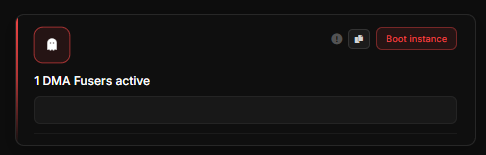
DMA Fuser active / Untrusted Fuser vendor
Indicates that the user is using a Video Fuser, these devices are used to merge two video outputs into one. This is used for DMA Cheating (since you have ESP on one screen and the game on another).
It does not necessarily indicate the use of DMA, but it is a very clear indication.
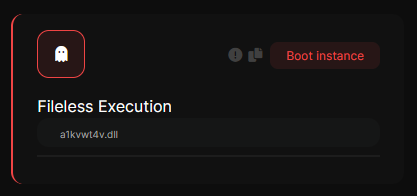
Fileless Execution
The suspect executed a file that is not located on the windows
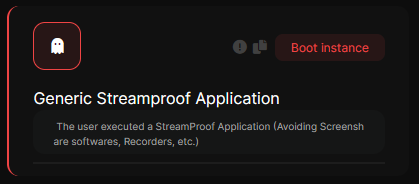
Generic Streamproof Application
The user executed a StreamProof Application (Mostly a cheat)
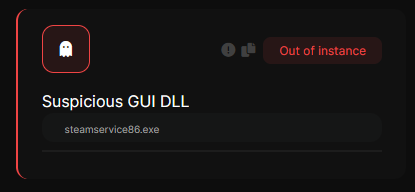
Suspicious GUI DLL
It shows that DLLs that display a GUI (Graphical User Interface) are practically impossible, being a cheat most of the time.
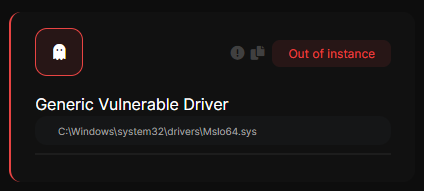
Generic Vulnerable Driver
It is a detection that flags installed drivers that have security vulnerabilities, allowing process elevation, code execution, protected memory modification, etc. This does not mean that the user did this; it just means that the driver is vulnerable. You can get more information by searching for the driver name at https://www.loldrivers.io/.
In an example with the game "Rust" that is protected with Easy Anticheat, cheaters used a driver (more specifically this https://www.loldrivers.io/drivers/afb8bb46-1d13-407d-9866-1daa7c82ca63/) for modifying memory and injecting cheats, bypassing the anticheat
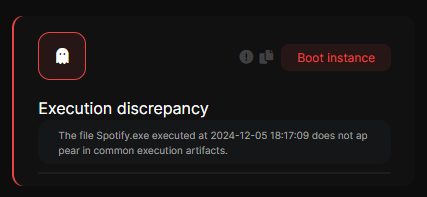
Execution Discrepancy
It means that the user executed a file and it did not appear in Windows run artifacts, this is not normal to happen and means that it should be checked.
Generic Cheat GUI
It means that a cheat showed a GUI, this detection is safe in Windows 10 and can false-flag in Windows 11 , you can check the instance with the given execution time.
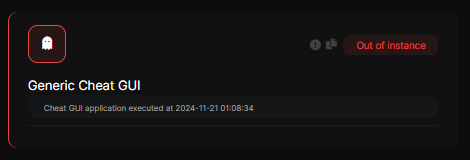
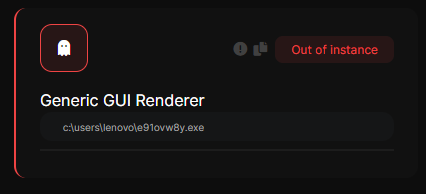
Generic GUI Renderer
The vast majority of times that this flag is most likely a cheat, it is necessary to check the file
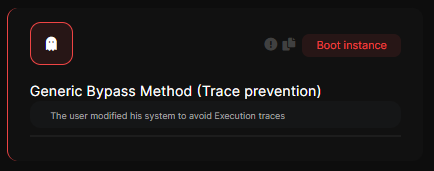
Generic Bypass Method (Trace prevention)
Indicates that the user modified aspects of their computer prior to the screenshare to prevent it from generating general logs/logs of executions in the normal way.
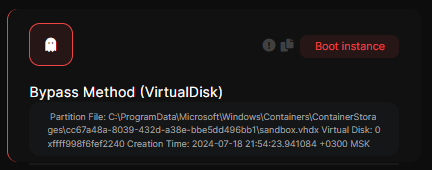
Bypass Method (VirtualDisk)
Indicates that the user used Virtual Disks (VHD) to attempt to bypass a screenshare, virtual machine/sandboxs disks can be flagged so a manual check is necessary.
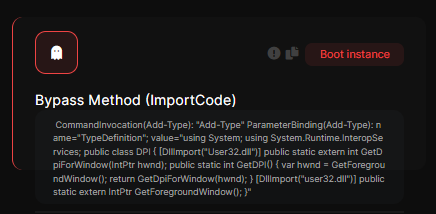
Bypass Method (Importcode)
Indicates that the user used a method using the Importcode technique (which, in short, is a line of code containing the source code of a cheat that allows it to be executed filelessly using Powershell or a similar interpreter , not to be confused with Python Importcode).
The executed command its prompted below, this can be LEGIT (Except Python Importcode), thats why the executed source code is shown to the staff, meaning that a manual review is required.
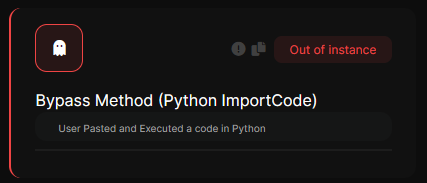
Bypass Method (Python ImportCode)
Indicates that the user used a method using the Importcode technique (which, in short, is a line of code containing the source code of a cheat that allows it to be executed filelessly using Python).
The executed command its prompted below, this cannot be LEGIT, is commonly used for autoclickers.
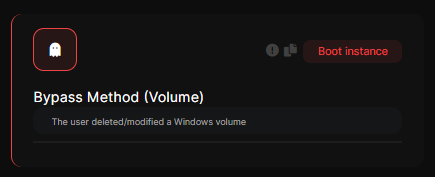
Bypass Method (Volume)
Indicates that the user deleted a Windows volume/disk to bypass a screenshare.
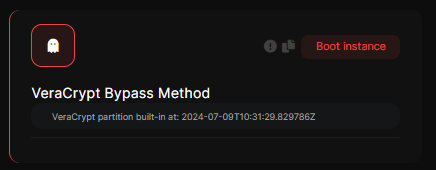
VeraCrypt Bypass Method
Indicates that the user used a Veracrypt hidden volume to bypass a screenshare.
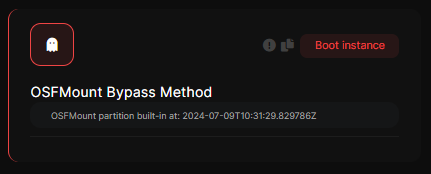
OSFMount Bypass Method
Indicates that the user used an OSFMount RAM volume to bypass a screenshare.
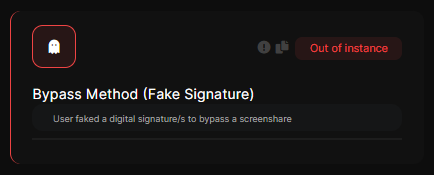
Bypass Method (Fake Signature)
Indicates that the user used fake digital signatures to attempt to bypass a screenshare.
Windows allows you to create digital signatures locally (unofficial), this allows you to sign files as if they were originals by forging their signatures.
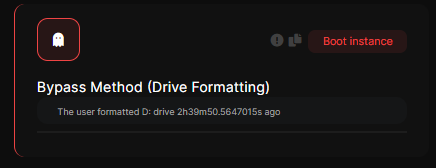
Bypass Method (Drive Formatting)
Indicates that the user formatted a disk prior to the screenshare.
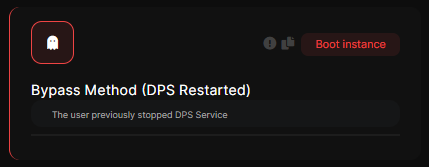
Bypass Method (Service Restarted)
Indicates that the user restarted important processes for a screenshare, such as DPS, EventLog, etc.
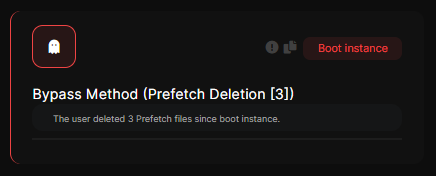
Bypass Method (Prefetch Deletion)
Indicates that the user deleted. PF files from the Prefetch folder, this is taken as a bypass attempt.
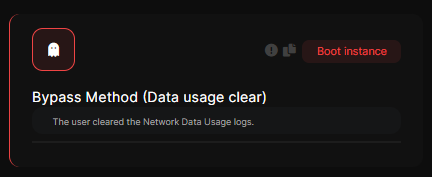
Bypass Method (Data Usage Clear)
Indicates that the user deleted the Windows data usage log.
Bypass Method (Data change)
The suspect modified the Windows datetime since boot instance
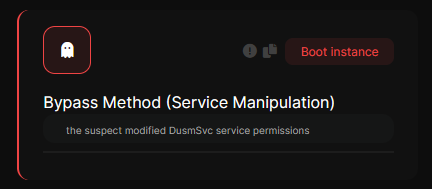
Bypass Method (Service manipulation)
The suspect modified a service permissions to avoid its correct functionality
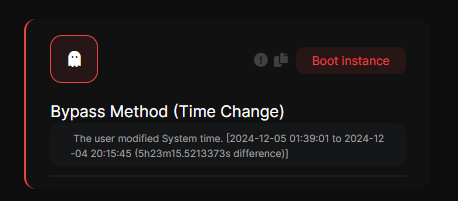
Bypass Method (Time Change)
The suspect changed the time of your system before the screenshare, this is very often used to change the time of file deletion, modification, etc.
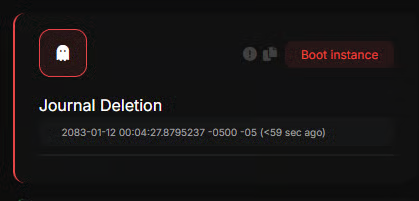
Journal deletion
It indicates that the USN journal was deleted, taking it directly as a Bypass method.
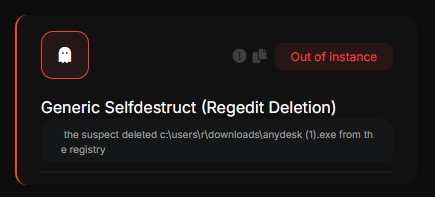
Regedit Deletion
Ocean can detect if a user deletes regedit values in common execution artifacts, such as BAM, among others.
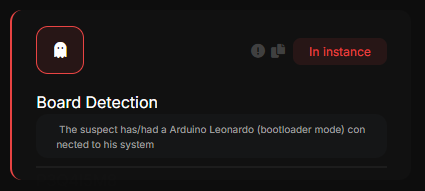
Board Detection
Indicates that the user connected a board (Arduino or Raspberry PI type)
These are used for cheating (As an example, colorbot and others)
It does not indicate that the user is actively using these cheats.
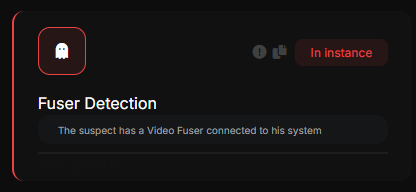
Fuser Detection
Indicates that the user is using a Video Fuser, these devices are used to merge two video outputs into one. This is used for DMA Cheating (since you have ESP on one screen and the game on another).
It does not necessarily indicate the use of DMA, but it is a very clear indication.
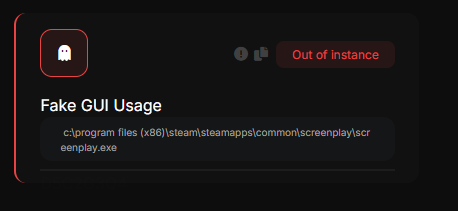
Fake GUI Usage
Indicates the use of a technique pioneered by Katana Antiscreenshare, which consists of displaying a fake GUI to disguise the cheat as a legitimate program
Generic Screenshot Residue
Indicates that a residue of a screenshot generated by a suspicious executable was found
Many cheats/spoofers use these screenshots as run logs to check for possible debug logs, etc.
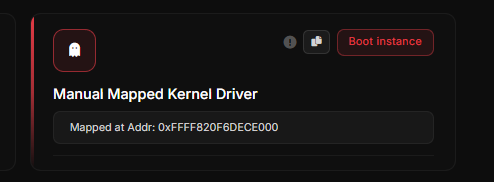
Manual Mapped Kernel Driver
Manually mapping kernel-mode drivers is a common practice in the game hacking scene, you can learn more in An example is detailed here
Boot Hardware Discrepancy [TYPE V]
Secure EFI cheat detection, you can learn more in this wikipedia page
![Boot Hardware Discrepancy [TYPE V]](https://i.postimg.cc/nr3jyLw4/image.png)
Boot Configuration Mismatch [TYPE V]
Highly suspicious boot configuration mismatch mostly related to EFI cheats, you can learn more in this wikipedia page
![Boot Configuration Mismatch [TYPE V]](https://i.postimg.cc/pdB2G6SJ/image.png)
Boot Sequence Discrepancy [TYPE V]
Secure EFI cheat detection, you can learn more in this wikipedia page
![Boot Sequence Discrepancy [TYPE V]](https://i.postimg.cc/bv6vY595/image.png)
Boot Tampering Discrepancy [TYPE V]
A tampering discrepancy was detected in the boot sequence, refer to the Boot sequence tab for more details.
![Boot Tampering Discrepancy [TYPE V]](https://i.postimg.cc/gr9Kx9Wm/image.png)
Boot Address Discrepancy [TYPE V]
A tampering discrepancy was detected in the boot sequence, refer to the Boot sequence tab for more details.
![Boot Address Discrepancy [TYPE V]](https://i.postimg.cc/bJJgMHT7/image.png)
Boot Chain Discrepancy [TYPE V]
A boot discrepancy was detected in the boot sequence, this happens when booting from uncommon devices, refer to the Boot sequence tab for more details.
![Boot Chain Discrepancy [TYPE V]](https://i.postimg.cc/8PrKN4SG/image.png)
System Boot Discrepancy [TYPE V]
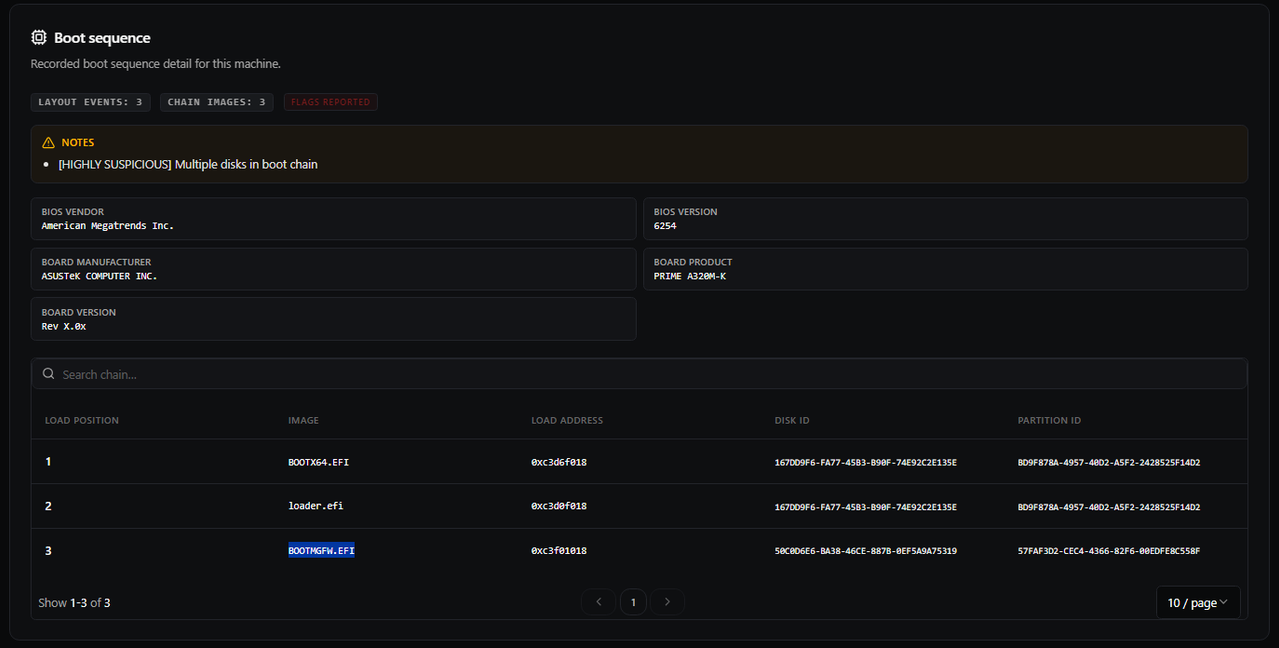
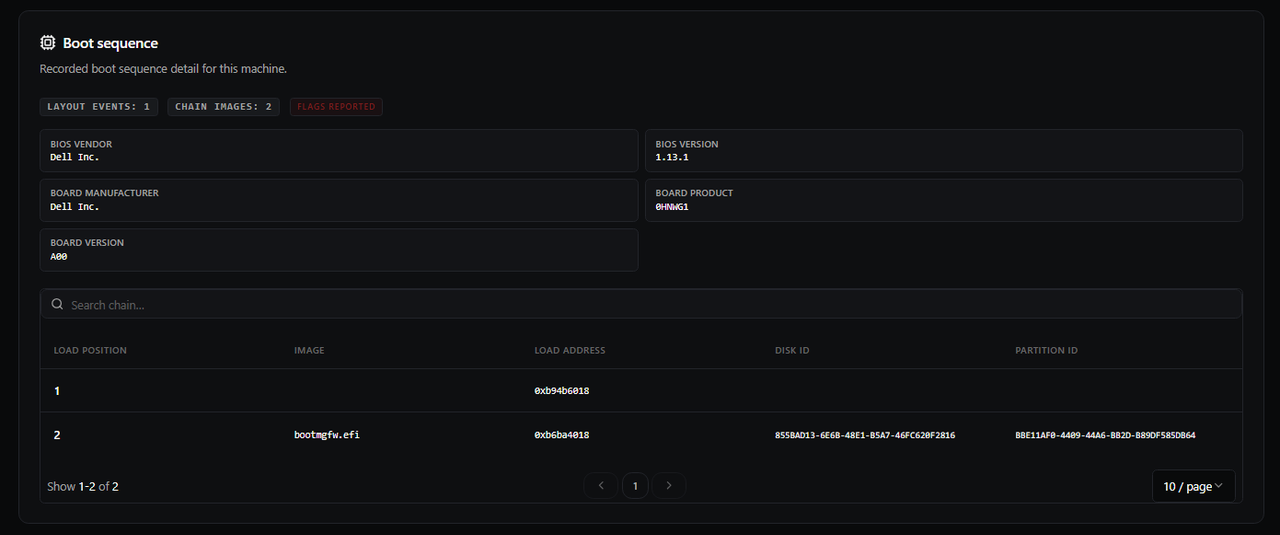
This detection appears when Ocean identifies a discrepancy in the machine boot sequence. When this alert is raised, you should always review the Boot sequence tab manually, because it contains the most relevant chain details (image names, load order, disk ID and partition ID).
In the first capture, the chain is clearly suspicious and consistent with an EFI cheat path: BOOTX64.EFI (Linux Foundation preloader often used to bypass Secure Boot) , followed by loader.efi, the malicious payload, and finally BOOTMGFW.EFI (Windows boot manager). .
If boot stages are loaded from different disks without a clear reason, or if the Windows EFI entry is missing entirely, treat it as a highly unusual discrepancy and investigate immediately.
Some laptops can show a partial chain (for example, one unnamed stage without disk/partition IDs) because OEM firmware components run before Windows. This still requires manual validation in the Boot sequence tab.
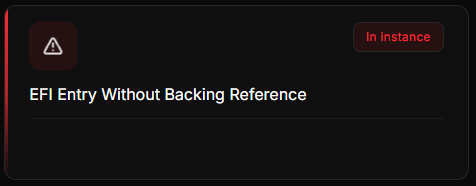
EFI Entry Without Backing Reference
An EFI boot entry is present, but the referenced EFI file does not exist or cannot be resolved on disk. This can indicate a misconfiguration or a potentially suspicious boot-stage artifact.