Detection Systems
List of detections systems using Ocean Screenshare Tool
Ocean Tool (https://anticheat.ac) has several detection capabilities, including direct, generic, and specific detections. In this section, we will go step by step through the integrity detections that indicate things that alter the correct integrity of the scan or general discrepancies, e.g., modification of an executed file.
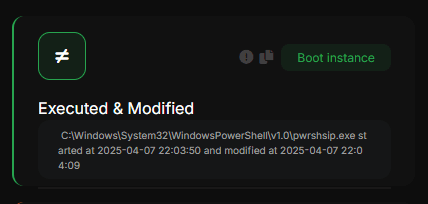
Executed & Modified
Indicates that a file that was previously executed was later modified, which may indicate a self-destruct.
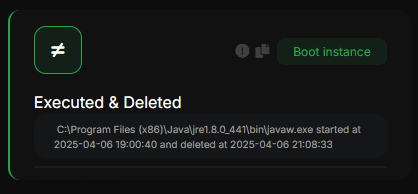
Executed & Deleted
Indicates that a file that was previously executed was later deleted, which may indicate a self-destruct.
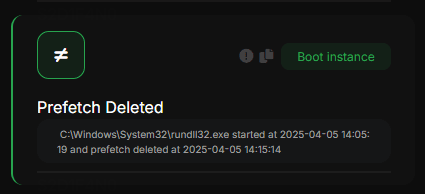
Prefetch deleted
This indicates that a file that was previously executed, its prefetch file, was deleted. This is not normal behavior and most often indicates a self-destruct or an antiforensic technique.
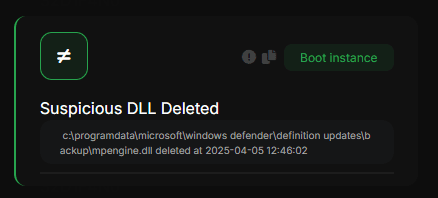
Suspicious DLL Deleted
Indicates that a suspicious DLL was deleted; this may indicate a self-destruct.
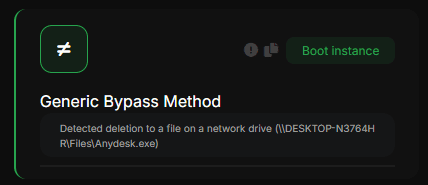
Generic Bypass Method (Network File)
Indicates that a file in a network resource was modified, executed, or deleted. This is taken as a Bypass Method and is a clear indication of this.
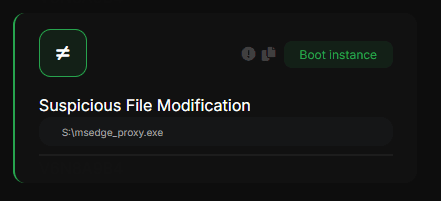
Suspicious File Deletion/Execution/Modification
Indicate a modification/deletion/execution on a highly suspicious file
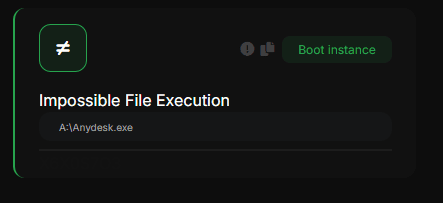
Impossible File Deletion/Execution/Modification
They indicate a modification/deletion/execution in a file that is practically impossible to occur under normal conditions
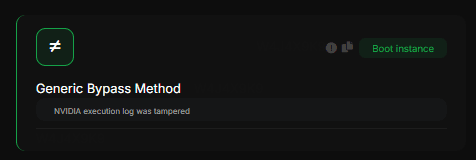
Generic Bypass Method (NVIDIA / Powershell execution log)
They indicate a modification/deletion in a file that is practically impossible to occur under normal conditions
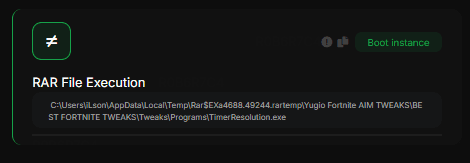
RAR File Execution
Indicates a direct file execution from a RAR file
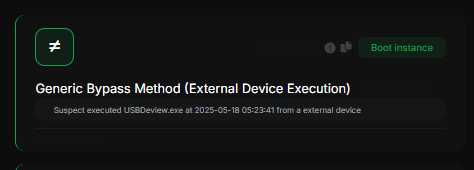
Generic Bypass Method (External Device Execution)
Indicates an execution from an external device (most times a phone), this is commonly used for bypass
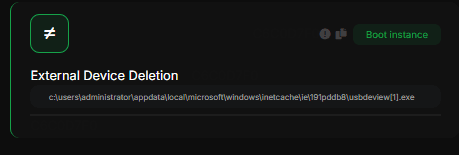
External Device Deletion
Same as above, but indicates a file deletion from an external device